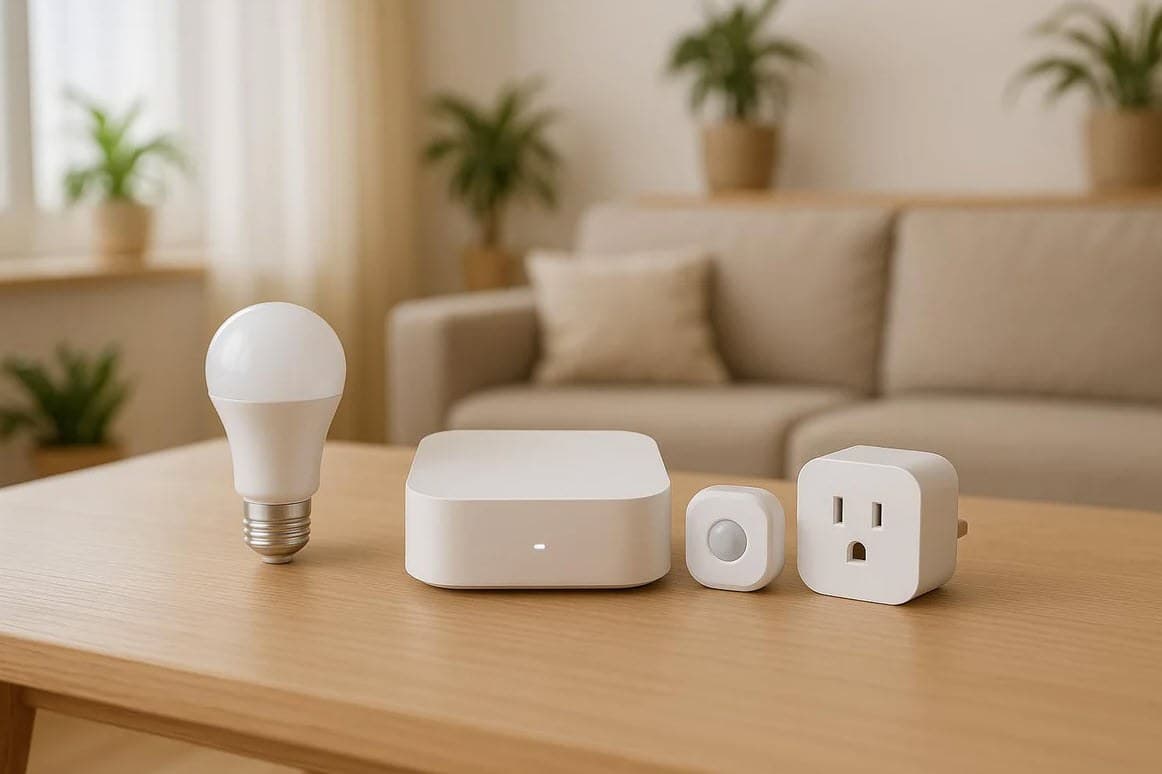
Connecting an in-home usage device
Connect a Smart Home Energy Device
If you're eligible, you can link your home meter to a Zigbee-certified smart energy device, helping you track and manage your energy use more easily.
What is Zigbee Smart Energy?
Zigbee Smart Energy (Zigbee SE) is a widely used wireless standard that lets smart home devices "talk" to your meter. It helps you:
- See how much energy you're using
- Manage connected appliances more efficiently
- Reduce waste and lower your energy costs
How to get your device connected
Complete the details on the Request to Connect an in-home device form to request connection of your Zigbee enabled device.
Before you start, you'll need:
- Your device's MAC address
- Your device's Installation Code
(Both are usually printed on the device itself or in the manual that came with it.)
Before requesting a connection:
- Make sure your device is installed within range of your meter
- Check your device's user manual to confirm it's set up correctly and ready to connect
What happens next
Fill out the Connect an in-home device request form to request your connection. Our customer service team will usually get back to you within 5 business days.
More articles
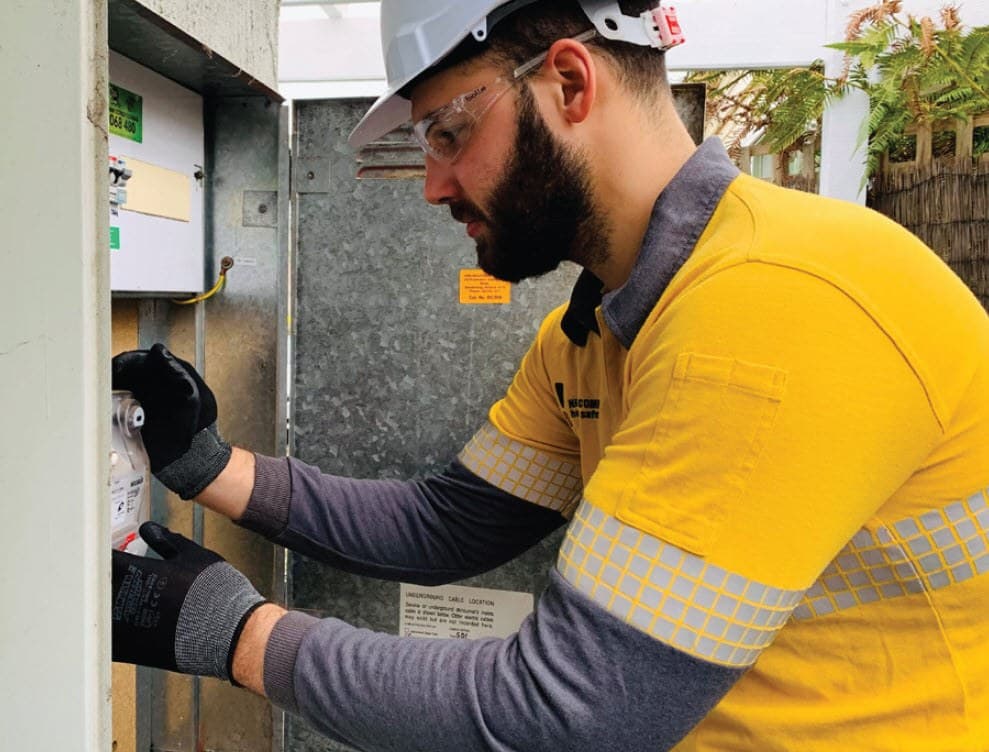
Understanding your electricity needs
As homes and business electrify, many customers are using more electricity than their property was originally designed to handle.

Vulnerable customer assistance program
The Vulnerable Customer Assistance Program is designed to reduce energy-related hardship by helping eligible customers overcome barriers to electrification.
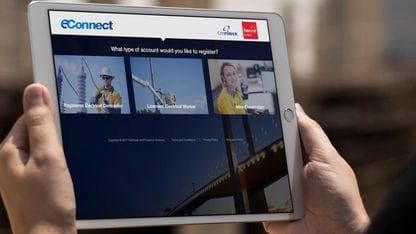
How to use eConnect
This page will guide you through how to register for eConnect and point you to helpful resources when working in the portal.