myEnergy
myEnergy
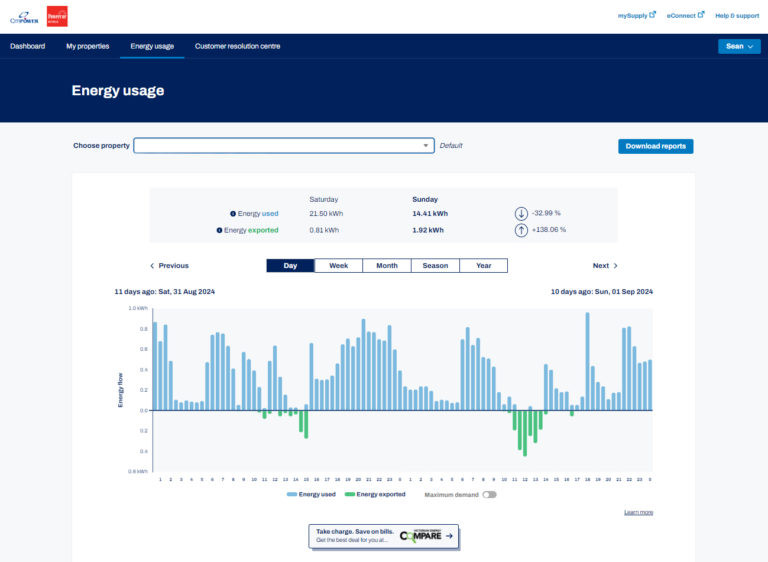
Tracking your energy use is easy with our online energy portal: myEnergy.
The online tool allows you to:
- view your energy usage and get the best retail deal from Victorian Energy Compare
- sign up to receive SMS and email notifications for outages
- make and view claims and provide feedback through Customer Resolution centre
You can also follow the tips in our Using Energy Efficiently blog post to reduce your energy use and save money.
It only takes a few minutes to sign up to myEnergy. You’ll need an energy bill on hand to find your NMI (National Meter Identifier) - it's listed at the top of your bill.
Log in or sign upfor myEnergy
Tracking your energy use is easy with our online energy portal: myEnergy.
